Creating a home workspace that feels both relaxing and productive is essential, especially as more people work from home. A well-designed area can improve your focus, reduce stress, and help maintain boundaries between work and personal life. Whether you have a dedicated room or a small corner, these tips will guide you in setting up a comfortable and efficient space.
Choose the Right Location
Selecting the ideal spot for your workspace is the first step. Ideally, pick a quiet area with minimal distractions, good natural light, and enough room for your work essentials.
Consider Natural Light
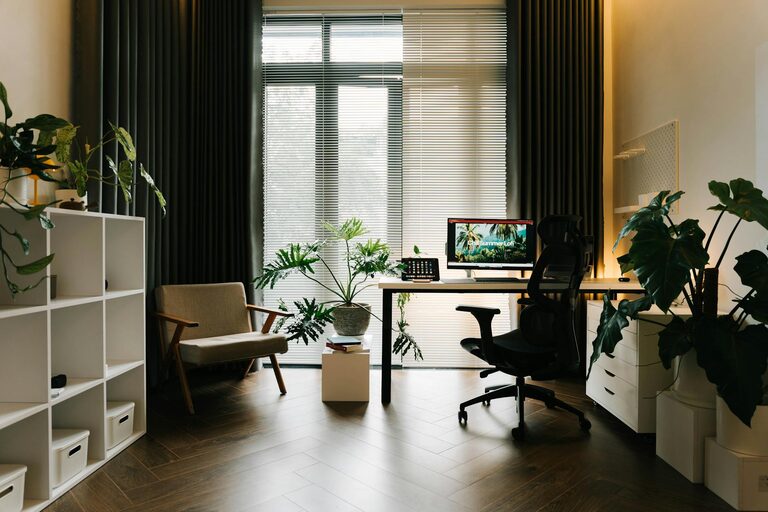
Natural light helps boost mood and alertness. Try to position your desk near a window, but avoid glare on your screen. If natural light is limited, invest in quality artificial lighting that mimics daylight.
Minimise Noise
Choose a space away from high-traffic areas in your home. If noise is unavoidable, noise-cancelling headphones or white noise machines can help you focus.
Invest in Ergonomic Furniture
Your comfort affects how productive you feel throughout the day. Ergonomic furniture supports good posture, preventing fatigue and discomfort.
Desk and Chair
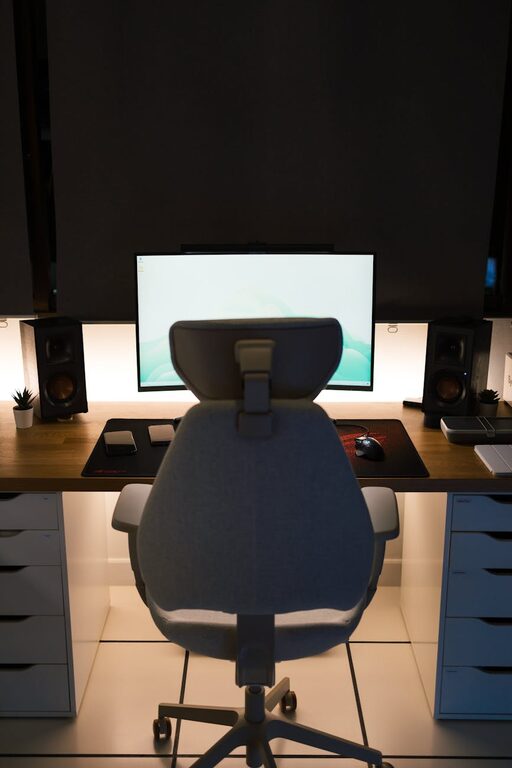
Select a desk at a suitable height for your tasks and a chair that supports your lower back. Adjustable chairs and desks help you find the most comfortable setup.
Accessories
Consider ergonomic accessories like wrist rests, footrests, and monitor stands to reduce strain.
Keep Your Workspace Organised
Clutter can cause unnecessary stress and distract you. An organised workspace promotes efficiency and a clear mind.
Storage Solutions
Use shelves, drawers, and organisers to keep supplies tidy. Label files and containers to find things quickly.
Daily Tidying
Spend a few minutes at the end of each day clearing your desk. This prepares you for a fresh start the next morning.
Personalise Your Space
Adding personal touches can make your workspace inviting and improve your mood.
Plants and Greenery
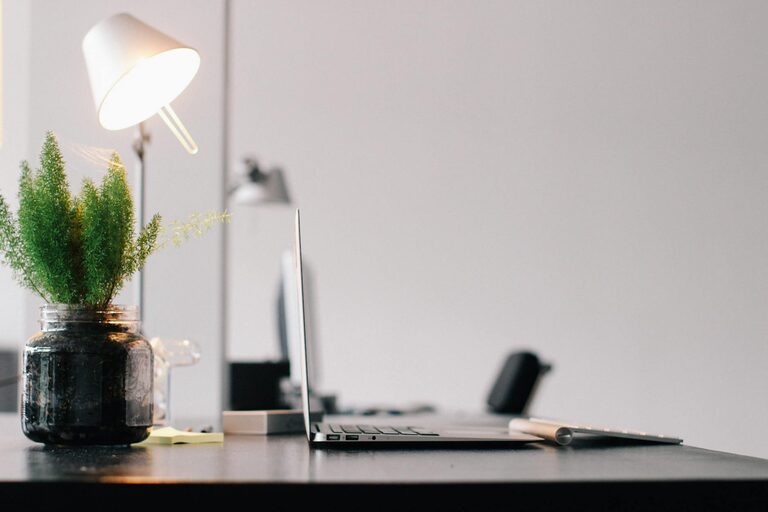
Indoor plants not only look nice but can improve air quality and reduce stress.
Artwork and Photos
Decorate with items that inspire or comfort you, but avoid overloading the space.
Minimise Digital Distractions
Technology is vital but can easily sidetrack you.
Manage Notifications
Turn off non-essential notifications on your devices. Use ‘Do Not Disturb’ modes during focused work sessions.
Organise Digital Files
Keep your computer desktop and folders organised to prevent frustration and time wasted searching for documents.
Establish Boundaries and Routines
Creating routines and boundaries between work and personal life enhances productivity and relaxation.
Define Work Hours
Set clear work hours and communicate them to those you live with. This helps reduce interruptions.
Take Regular Breaks
Use techniques like the Pomodoro Method—work for 25 minutes, then take a 5-minute break—to maintain focus and prevent burnout.
Optimise Lighting and Temperature
Environment comfort plays a big role in productivity.
Lighting
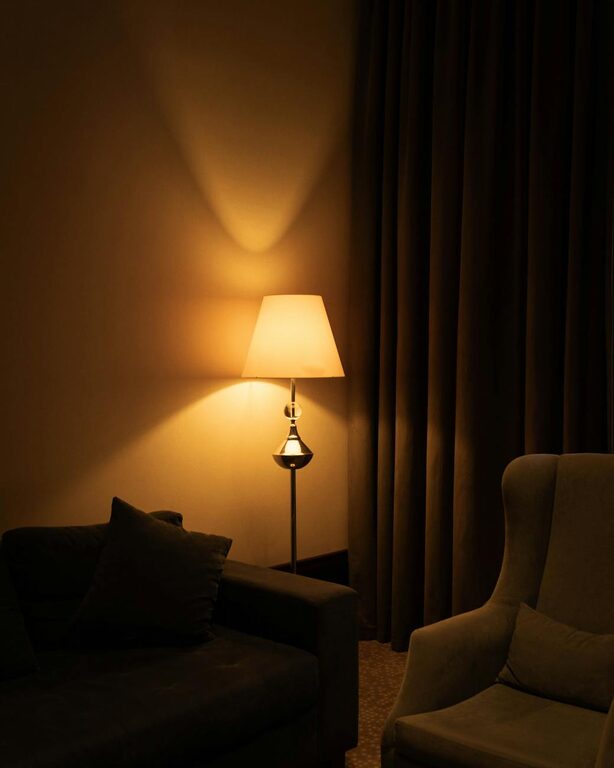
Combine natural and artificial light sources. Avoid harsh fluorescent lights. A desk lamp with adjustable brightness is useful for late hours.
Temperature
Maintain a comfortable room temperature. Too hot or too cold environments can distract or slow you down.
Use Calming Colours
Colour affects mood and concentration.
Choose Soothing Shades
Opt for soft blues, greens, or neutrals for walls and décor. Bright colours can add energy but use them sparingly.
Incorporate Movement
Sitting all day can be tiring and harmful.
Stretch and Move
Set reminders to stand up, stretch, or walk around regularly.
Standing Desk Options
If possible, use a sit-stand desk to vary your posture throughout the day.
—
Creating a workspace that supports both relaxation and productivity doesn’t require a huge budget or a large room. Thoughtful arrangement, prioritising comfort, and maintaining organisation all contribute to a better home working experience. Start with small changes and adjust the space to suit your personal needs and preferences.